
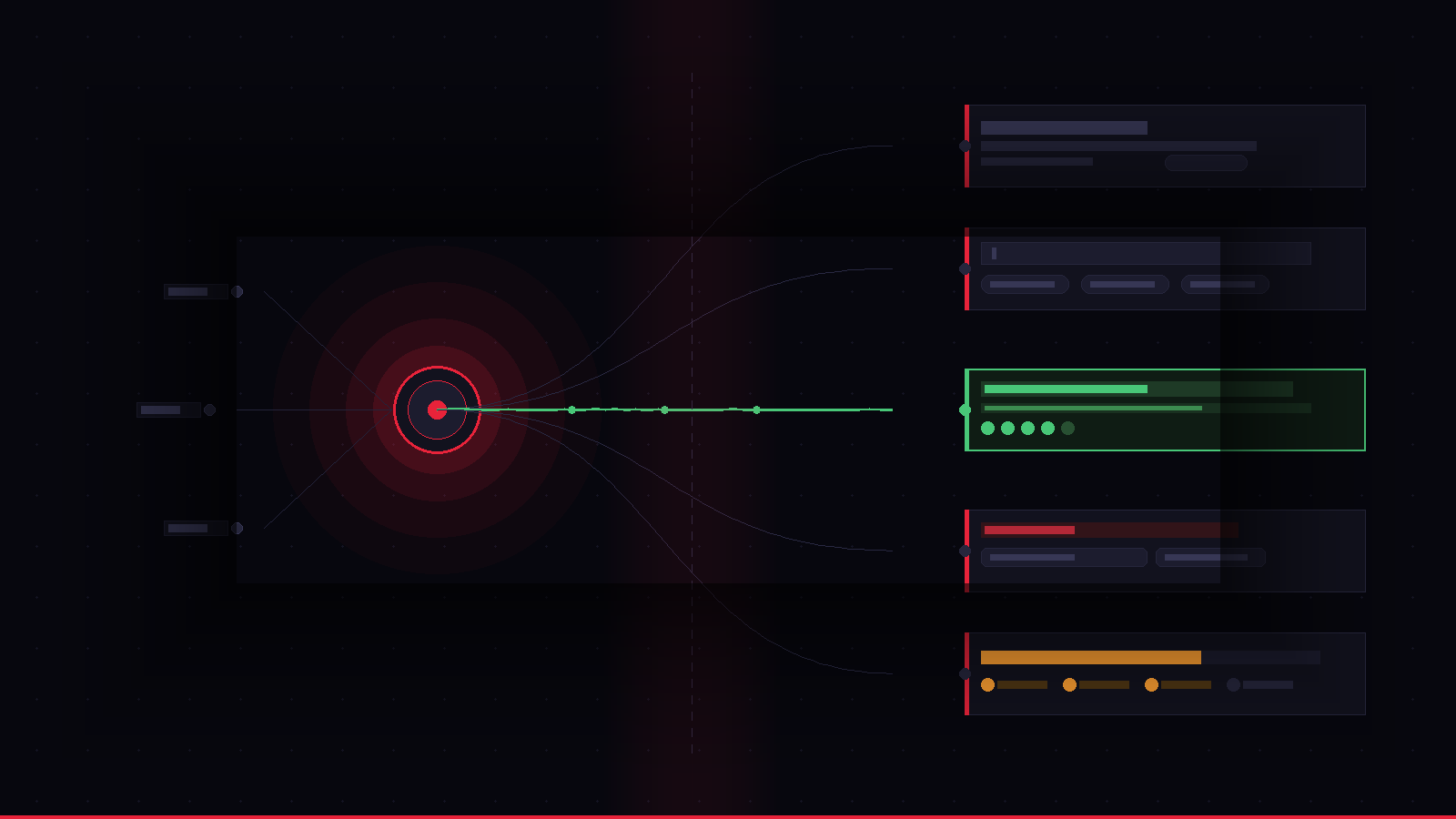


AI features often fail not because the underlying model is flawed, but because the user experience around them is poorly designed. Users struggle to discover features, understand their purpose, trust their outputs, and recover from errors — issues that create low adoption despite solid technical performance.
Successful AI feature adoption requires deliberate UX design that addresses the fundamental difference between traditional software and AI: users must shift from expecting deterministic, predictable behavior to collaborating with probabilistic, judgment-based systems. This mental model shift requires scaffolding through trust signals, guided prompts, error recovery paths, clear reasoning explanations, and demonstration of capability before users invest effort.
You spent four months building the AI feature. The model performs. The accuracy benchmarks are solid. Engineering is proud of it.
And then it launched — and nobody used it.
Not because users don’t want AI features. They do. Not because the timing was off. It wasn’t. But because somewhere between what your model can do and what your user experiences, something broke. And that something is almost never the model.
It’s the design around it.
The Adoption Gap Nobody Talks About
There’s a pattern showing up consistently across AI products right now. A technically impressive feature, buried inside a product, generating support tickets that all say some version of the same thing: “I don’t understand what this is supposed to do.”
It has a few specific symptoms:
Low discovery. Users don’t find the feature at all. It exists somewhere in the UI, but there’s no moment of “oh — this is for me.” No entry point that connects their problem to the AI’s capability.
Low first-use completion. Users find it, try it once, get a result that confuses them, and never come back. The AI did something — but what? And why that? And can I trust it?
High support volume. The questions aren’t “this is broken.” They’re “what does this actually do?” That’s a UX failure, not an engineering one.
Flat retention on the feature. Activation happened. Retention didn’t. The feature never became a habit because the value wasn’t clear enough on the first use to justify a second.
Any of these sound familiar? All four together is extremely common.
The Real Problem: AI Features Have a Different UX Contract
Traditional software features have a simple contract with users: you click a thing, something happens, you see the result. Input → action → output. Deterministic, legible, controllable.
AI features break this contract. The input is often ambiguous (natural language, a prompt, an uploaded file). The action is invisible (a model doing something opaque). The output is variable and probabilistic — sometimes brilliant, sometimes baffling.
Users have been trained by 30 years of software to expect predictability. AI features require them to develop a new mental model: I’m collaborating with something that makes judgment calls, not executing commands.
That mental model shift doesn’t happen automatically. It has to be designed.
And most AI feature UX doesn’t design for it at all. It assumes users will figure it out. They don’t.
Five Design Problems That Kill AI Feature Adoption
1. No trust scaffolding
When an AI produces a result, users immediately ask: “Can I trust this?” If the UI doesn’t answer that question — by showing reasoning, confidence signals, source attribution, or clear error states — users default to skepticism. Skeptical users don’t become regular users.
2. Prompt anxiety
“I don’t know what to type.” This is the single most common reason users abandon AI input fields. A blank text box with a blinking cursor and zero guidance is not an interface — it’s a test. Most users fail it on the first try and don’t come back.
3. Missing recovery UX
What happens when the AI gets it wrong? In most products: nothing. No way to correct it, refine it, or tell the AI what you actually wanted. A single bad output without a recovery path is enough to permanently break user trust in the feature.
4. Opaque loading states
A spinner that says “thinking…” for eight seconds tells users nothing. They don’t know if it’s working, stuck, or about to surprise them. Good AI UX narrates what’s happening during latency — not with technical language, but with contextual progress cues that build anticipation rather than anxiety.
5. No “aha” moment engineering
The fastest path to adoption is a first result so clearly useful that the user’s response is “oh, this is what it does.” That moment doesn’t happen by accident. It requires deliberate onboarding design — specific entry points, pre-loaded examples, or smart defaults that demonstrate the feature’s value before the user has to invest effort.
Why This Problem Is Getting Worse, Not Better
The pace of AI feature development has accelerated faster than the design discipline around it. Teams that would spend six weeks on UX for a traditional feature are spending six days on an AI feature — because the engineering cycle is faster, and the assumption is that “the AI will figure it out.”
The AI won’t figure it out. Users still need to understand what the AI does, when to trust it, and how to get value from it. That’s a human design problem, not a model problem.
The products winning on AI feature adoption right now — the ones where users actually change their behavior and build the feature into their workflow — have something in common: the UX is as thoughtfully designed as the model itself. The interaction patterns, the onboarding flows, the error states, the trust signals — all of it treated with the same care as the underlying capability.
That’s not a coincidence. It’s a strategy.
What Good AI Feature UX Actually Looks Like
A few principles that consistently drive adoption:
Show the ceiling early. Users need to see what the AI is capable of before they’re asked to use it. A 20-second demo — embedded in the product, not a YouTube link — closes more adoption gaps than any onboarding tooltip.
Design the prompt, not just the field. The best AI input UX gives users a starting point: suggested prompts, example inputs, contextual defaults based on what they’re already doing. This reduces cognitive load and increases first-use success rates dramatically.
Make errors a feature. When the AI gets it wrong, treat it as a product moment. “Not quite right? Tell me what to fix” is more powerful than a static result with no feedback loop.
Narrate the AI’s reasoning. Users trust AI more when they can see why it made a decision, not just what it decided. Even a one-line explanation — “Based on your last three projects, I suggested X” — builds more trust than a perfectly accurate result with no context.
Respect the mental model shift. Build an explicit “here’s how to think about this” moment into onboarding. Not a tutorial. A single, clear framing: what the AI can do, what it can’t, and what happens when you use it.
The Speed Constraint Most Teams Don’t Solve
The other reason AI feature UX is consistently underdone: the timeline pressure is real. Founders are shipping fast. The competitive window feels narrow. Spending 12 weeks on UX research and prototyping while a competitor ships isn’t a viable option.
This is a legitimate tension. And it’s one that’s recently become solvable in a way it wasn’t 18 months ago — because the design toolchain for AI products has changed completely.
Synthetic user testing, AI-powered research synthesis, rapid prototyping with tools like Lovable and v0 — none of this existed at production quality until recently. It’s now possible to compress what used to be a 12-week design and validation cycle into under three weeks without sacrificing rigor. The constraint has changed.
If your AI feature has an adoption problem, the question isn’t whether to fix the UX. It’s how fast you can do it without stalling the roadmap.
Where to Start
Before committing to a full redesign, run a quick self-audit. For each of your AI features, answer these:
- Do users know this feature exists within the first session?
- Can a new user get a useful result on the very first attempt, without guidance?
- When the AI produces a bad result, does the UI give the user a way to recover?
- Does the loading state communicate anything meaningful?
- Is there a moment in the flow where the user thinks “oh, I get it now”?
If you’re answering “no” or “I’m not sure” to more than two of these, the feature has a UX problem. And it’s fixable — usually faster than you think.
Dorian Tireli is the founder of Poplab, a rapid design studio for AI startup founders. If your AI feature is technically sound but struggling with adoption, the AI Feature Design Sprint is a 2.5-week engagement built specifically for this problem — from user research to validated interactive prototype, delivered faster than traditional agencies using AI-accelerated workflows.

Leave a Reply