
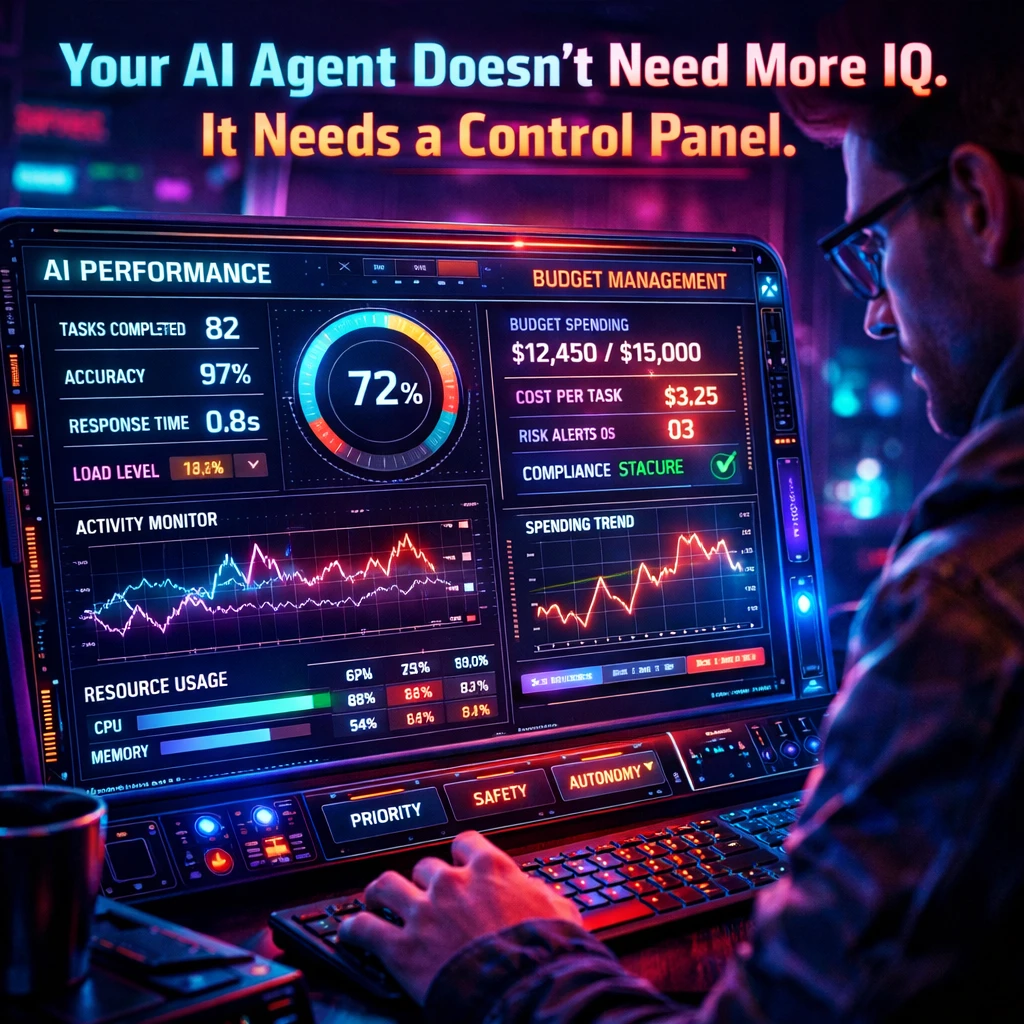


Recent AI announcements highlight a shift towards governance and control in AI agent functionality, emphasizing budget management and security. Companies are integrating FinOps dashboards and identity layers, indicating that AI agents should be treated as critical infrastructure requiring oversight.
For developers, the focus must shift from backend processes to user interfaces that clearly display agent identity, budget limitations, and audit logs. Redesigning workflows to include visible control panels is essential for promoting accountability and transparency in AI operations, thus making products more attractive to enterprises.
Let’s be blunt: nobody cares that your AI agent “thinks better” this week. They care whether it blows up their budget, leaks data, or makes a decision they can’t trace or reverse.
Over the last few days, a very specific pattern has shown up in AI announcements: control planes, FinOps dashboards, and identity layers for agents. AWS just previewed an AWS FinOps Agent that sits on top of your cloud bill, answers cost questions, surfaces optimizations, and even opens Jira tickets when it spots anomalies. Konecta launched Kolibri, an agent orchestration platform that bakes in governance controls and a FinOps dashboard for routing workloads to cheaper models. Security players like Tigera and AppViewX are now selling “agent identity security” and default‑deny policies for AI agents running inside Kubernetes and enterprise systems.
Translation: the grown-ups have arrived. The market is quietly deciding that AI agents are not toys — they’re infrastructure that must be governed, budgeted, and monitored.
If you’re building an AI product and your UX doesn’t expose who this agent is, what it can touch, and what it costs when it runs, you will lose deals to products that do.
Right now, enterprises are being sold a stack that looks like this: agents at the edge, control planes in the middle, and FinOps plus security as non‑negotiable overlays. That’s why you’re seeing dedicated dashboards for model spend, policy engines for what agents can access, and PKI‑style identity for agents as if they were human employees. This isn’t “nice to have” — it’s the minimum bar for putting agents anywhere near money, data, or reputation.
Here’s the mistake I see founders making: they treat all of this as back‑office plumbing. “We’ll handle observability and cost tracking in the backend, users don’t need to see it.” Wrong. Your buyer absolutely needs to see it. If your interface still looks like “magic AI does stuff in the background, trust us,” you’re asking someone to sign off on a black box that bills per token.
The next generation of winning AI UX is going to look more like a cockpit than a chat window.
For AI‑native founders, this has three immediate implications:
- Agent identity is a first‑class UI element, not a config file.
If an agent can act on behalf of sales, finance, or support, its role, permissions, and current scope should be visible in the product, not buried in an admin JSON somewhere. Think identity chips, scopes, and “acting as” banners, not just an internal service account. - Budgets and limits must be legible at the point of action.
When a user kicks off an intensive workflow (audit, bulk outreach, massive retrieval job), they should see what mode they’re in and a rough cost tier before they hit “Run” — the same direction OpenAI’s credit‑based agent pricing and enterprise FinOps tools are pushing toward. - Every serious agent workflow needs an audit surface.
The same way security tools now ship with agent‑aware logging and behavior monitoring, your product needs a place where users can review: what the agent did, which data it touched, what decisions it made, and how to roll any of it back.
This isn’t hypothetical for Poplab’s world either. Poplab already works with AI founders on agentic UX and copilot blueprints that explicitly map “what the AI does vs. shows vs. asks,” and design the key agent moments as queues, states, and approvals — not just prompts. The demand isn’t for prettier chat bubbles; it’s for products that make automation feel safe, legible, and accountable.
So what should you actually do this week?
Pick one agent‑powered workflow that matters to revenue or risk — billing ops, onboarding, incident triage, whatever would hurt if it went wrong. Redesign that flow around a simple control panel with three panels:
- Scope: What this agent is allowed to touch right now (systems, data, actions).
- Budget: A visible run mode (light/standard/heavy) with clear expectations of latency and cost.
- History: A human‑readable log of what just happened and one‑click rollback or escalation.
Ship that for one workflow. Then measure: how often users change the default scope, how frequently they choose the cheaper mode, and how often they review or revert the history. Those behaviors are your real product insight — not another “AI usage” chart in Mixpanel.
The industry just told you where it’s going: agents are becoming part of the operating system, and control is becoming the product. Design accordingly.

Leave a Reply