
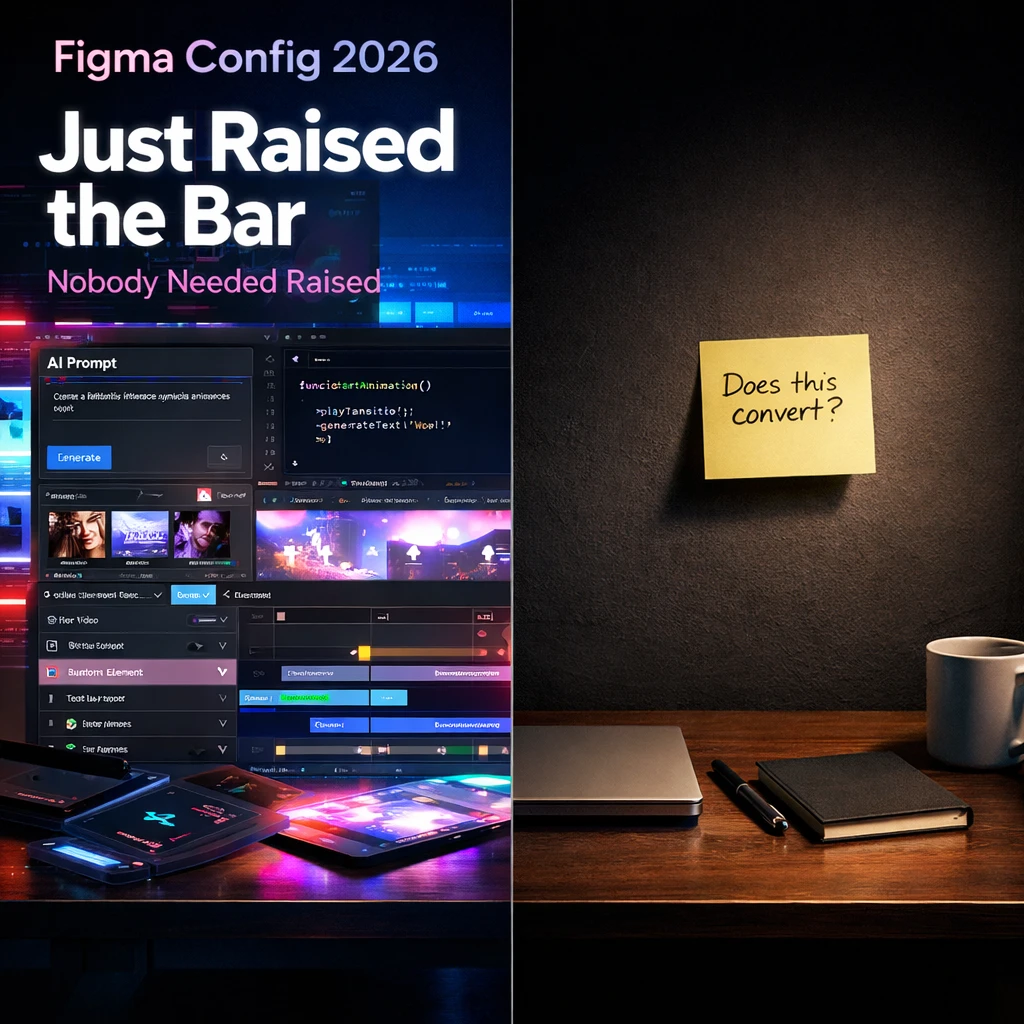

Figma’s recent updates from Config 2026, including Code Layers, Figma Motion, and enhanced generative plugins, represent significant advancements for design teams. These features streamline workflows and improve collaboration between designers and developers, potentially saving time in the product development cycle.
However, the introduction of new tools should not distract founders from addressing core user experience issues. Focus should remain on optimizing onboarding processes and enhancing product offerings, as improved tools support but do not replace the necessity of iterative development and user feedback.
The most dangerous day in a founder’s calendar is the day Figma ships something new.
Last week, Figma wrapped Config 2026 and the design internet collectively lost its mind. Code Layers — live code running directly on the canvas alongside your design layers, push to GitHub from Figma itself. Figma Motion — a full keyframe timeline with 3D transforms, exportable as MP4, GIF, or animated SVG. Generative plugins you build by prompting the agent, no coding or publishing required. Weave for consistent product renders. And the Figma Agent now connects to Slack, Notion, and Jira, with custom skills for reusable prompt workflows.
That is not a minor update. That is a platform shift. And it deserves a direct, no-flattery question: which of these features actually moves your activation rate?
The Feature Trap Is Real
Here is what happens every time a major design tool ships a headline release. Product teams pause. Designers open Figma to explore the new features “for ten minutes.” Founders forward links in Slack. Someone schedules a workshop. Two sprints later, the onboarding flow still has a seven-step setup that nobody has fixed, and three users from last Tuesday still have not hit their aha moment.
Tooling progress is real. The ability to move code and design in the same file, without bouncing between tabs, does compress iteration cycles. The Figma Agent now has live web search to pull real content into designs instead of placeholders. These are genuine workflow improvements for teams already operating at speed. But they are multipliers — they amplify whatever output you are already producing. If your output is beautiful screens that miss user intent, you will now produce those faster and with better motion curves.
What Config 2026 Actually Changes for Founders
Let’s be precise about what is structural versus what is cosmetic.
Structural: Code Layers mean the design-to-dev handoff gap narrows further. When a designer and an engineer can look at the same file and the code is a live layer — not an export, not a spec — you eliminate one of the oldest friction points in early-stage product teams. For a two-person founding team, that is not a nice-to-have; that is a week recovered per sprint.
Structural: Generative plugins built by prompting the agent changes who can extend Figma. You do not need an engineer to build internal tooling anymore. Founders who have wanted custom design automation but lacked engineering bandwidth now have a direct path.
Interesting but dangerous: Figma Motion. Full animation timeline, 3D transforms, MP4 exports. Genuinely impressive. Also the single fastest way to burn a sprint on polish that your users will never consciously register. Animation is not retention. Motion is not conversion. Invest your first hour here only after your core flows convert.
Worth watching: The Figma Agent’s Slack and Notion connectors mean design decisions can live in the tools where your team already operates, not siloed in a file someone has to remember to open. For async, remote-first founding teams, that context loop actually matters.
The Concrete Takeaway
Stop. Look at your current product. Find the screen where users drop off before they reach value. That screen — not Code Layers, not shaders, not animated gradients — is where your attention belongs this week.
Figma Config 2026 is a legitimate platform leap. The tools are better. The AI agent is more connected. The canvas is more expressive than it has ever been. None of that changes the hierarchy of what founders need to do: ship, measure, learn, repeat. Better tools serve that loop. They do not replace it.
One move you can make today: audit your onboarding flow before you touch a single new beta feature. Map every screen from signup to first meaningful action. Count the steps. Kill the ones that exist only because nobody questioned them. That audit will tell you more about where your product actually needs work than any Config keynote. If you want structured help doing it, Poplab’s Onboarding Flow Sprint covers exactly this — two weeks, AI-powered research, redesigned flow, dev-ready handoff.
Config will always come. Your activation window will not wait.

Leave a Reply