
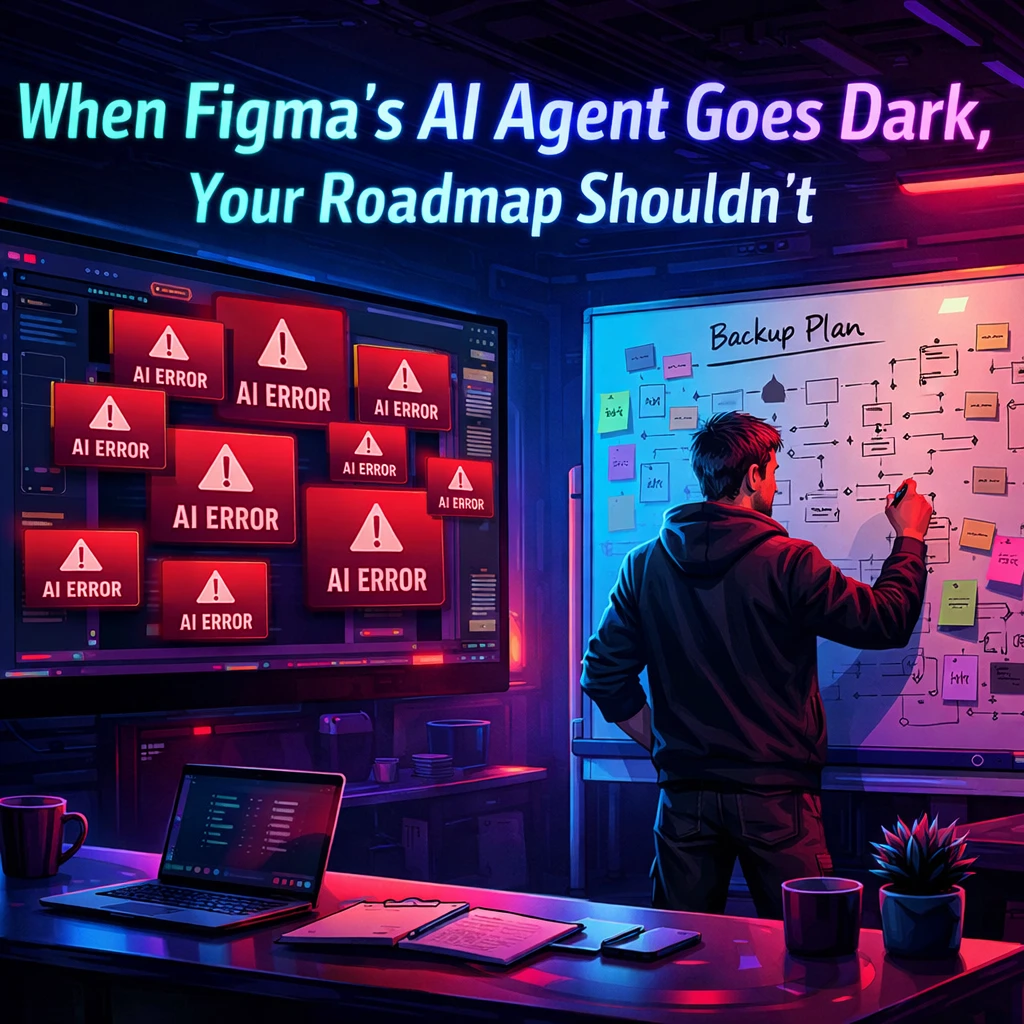

A recent Figma AI outage highlighted vulnerabilities in AI-dependent design workflows. The disruption affected teams relying on AI for UI generation, prototyping, and component updates, underscoring the risks of an over-reliance on a single tool.
Founders are encouraged to assess their design systems and implement fallback strategies. This includes conducting failure drills, documenting dependencies, and ensuring workflows prioritize outcomes over AI tools to maintain productivity during outages.
Founders keep saying they’re “AI-first.” Then one Figma outage freezes the entire roadmap. That’s not innovation; that’s a single point of failure wearing a fancy prompt.
On June 16, Figma AI had a partial outage: prompts to Figma Make and the Agent started erroring out due to issues with Anthropic-backed models, and the disruption lasted about 1 hour and 42 minutes before a fix rolled out. If your design team lives inside that stack, those 102 minutes weren’t abstract incident reports—they were blocked flows, delayed sprints, and suddenly very manual work.
The bigger story isn’t that Figma had a bad day. It’s that too many AI startups now treat design agents as production infrastructure without ever designing the “what if this dies?” path.
What actually broke
When Figma’s agent went dark, three kinds of teams felt it immediately: those relying on AI to generate net-new UI from prompts, those using Figma Make for rapid prototyping, and those pushing component refactors or accessibility fixes via agent commands. The outage meant:
- No automated layout fixes or token updates in live files.
- No “prompt-to-prototype” flows for early-stage features.
- No quick iteration loops on production UI via the agent.
If your team’s default behavior is “we’ll just ask the agent to do it,” that’s a hard stop.
This matters because Figma’s AI agent isn’t fringe anymore—it’s rolling out broadly on Professional, Organization, and Enterprise plans, positioned as a real teammate inside your canvas. Outages move from “annoying” to “existential” when you’ve quietly allowed a single tool to sit at the core of your product design process.
Why founders should care beyond “oops, retry”
AI tooling failures don’t just slow designers; they expose whether your product organization has a spine or a dependency graph.
If an hour of Figma AI downtime derails a sprint, it usually means:
- You don’t have a documented design system. The agent is your system. When it’s gone, nobody knows the canonical patterns, tokens, or interaction rules.
- Your workflow is AI-led, not outcome-led. Tasks are defined as “get the agent to do X,” instead of “ship this flow that moves activation, conversion, or retention.”
- You’ve never run a failure drill. No one has asked, “How do we keep shipping if Claude, Figma AI, or Workspace Agents go offline or get rate-limited?”
That’s cute when you’re making mockups. It’s suicidal when you’re trying to ship real product, especially when your own product claims to be AI-native.
The real lesson: AI agents are accelerators, not load-bearing walls
The right mental model is brutally simple: agents accelerate a system that already works; they should never be the only reason it works.
A resilient AI startup design stack looks more like this:
- A clean, tokenized design system that humans can use without AI, and agents can safely accelerate on top of.
- Clear, outcome-first workflows: “Design a new onboarding path that drives users to first model in 5 minutes,” not “see what the agent comes up with.”
- Fallback rails: scripts, templates, and manual playbooks that keep your team moving when agents are slow, down, or suddenly expensive.
At Poplab, our AI Feature Design Sprint and 0→1 Product Launch Package are built on that premise: AI compresses research, prototyping, and testing, but the system doesn’t die if one tool does. You get velocity without turning your stack into a Jenga tower.
What you should actually do this week
Don’t write a post-mortem for Figma. Write one for your own dependency stack.
One concrete move:
Run a 90‑minute “agent failure drill” with your product and design leads.
- List every place where external AI tooling sits in the critical path. Figma agent, Claude Design, ChatGPT Workspace Agents, AI onboarding flows—anything that you literally can’t ship without.
- Tag each dependency by blast radius. If it goes down for two hours, does it stall a single experiment, a sprint, or the whole roadmap?
- Design a degraded mode for each high-blast dependency. That might be:
- A manual component library and naming convention designers can fall back to.
- A non-AI version of your onboarding flow that still drives to one activation outcome.getperspective+1
- A simple “agent off” toggle plus dashboard that shows what isn’t happening while AI is down, so humans can pick up the work.
- Commit to one rebuild. For the highest-risk dependency, rewrite the workflow so AI accelerates it, but doesn’t define it. Ship that change before you start another “AI-powered” feature.
If you can’t describe how your team ships when the agents are down, you’re not running an AI startup—you’re running a demo that works on good days.
AI tools will keep evolving, breaking, and repricing themselves. Your job isn’t to chase every new agent drop. It’s to make sure your product, UX, and design systems can take a hit, keep moving, and use AI as leverage—not as life support.

Leave a Reply